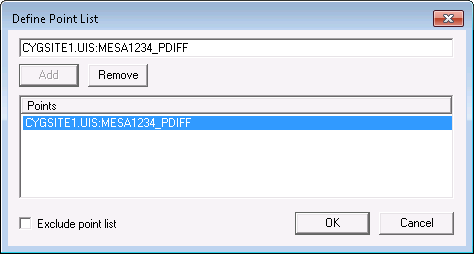
The check can be run on select points using the Limit Points option.
To add a point to the list, type the tag string (SITE.SERVICE.POINTID) or long tag string (SITE.SERVICE:LONGID) in the text box and click Add. Use Remove to remove points from the list.
When Exclude point list option is enabled, the check is run on all points except those listed.
|
|
|

